January 25, 2016
Tawk.To Live Chat Addon Module for WHMCS by TGL IT
Hi, I am Arafat Islam — Founder & CEO of TGL IT.
Today I am going to share a WHMCS Addon Module for Tawk.To Live Chat. This module was developed by me under TGL IT.
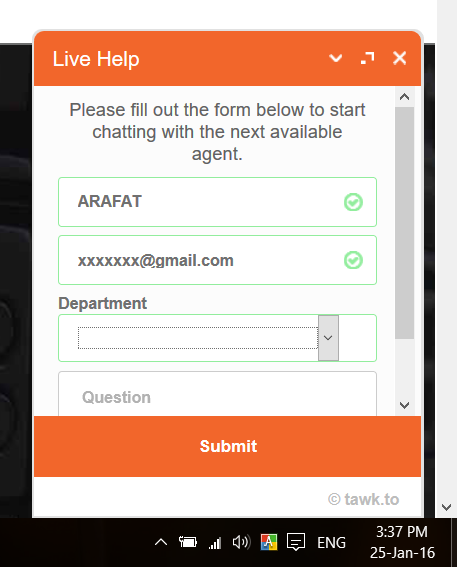
This addon module will allow you to integrate the Tawk.To live chat code on all client area pages (logged in and non-logged in). Tawk.To is a third-party live chat app that lets your clients chat with your agents via text and images, receive chat transcripts, and email you when agents are offline. You can track chat activity and customize the widget from the Tawk.To dashboard.
“You shouldn’t have to pay to chat with the visitors on your own website. They’re your visitors!”
— Robert, founder of Tawk.To.
Installation Process for WHMCS
- First, register at Tawk.To.
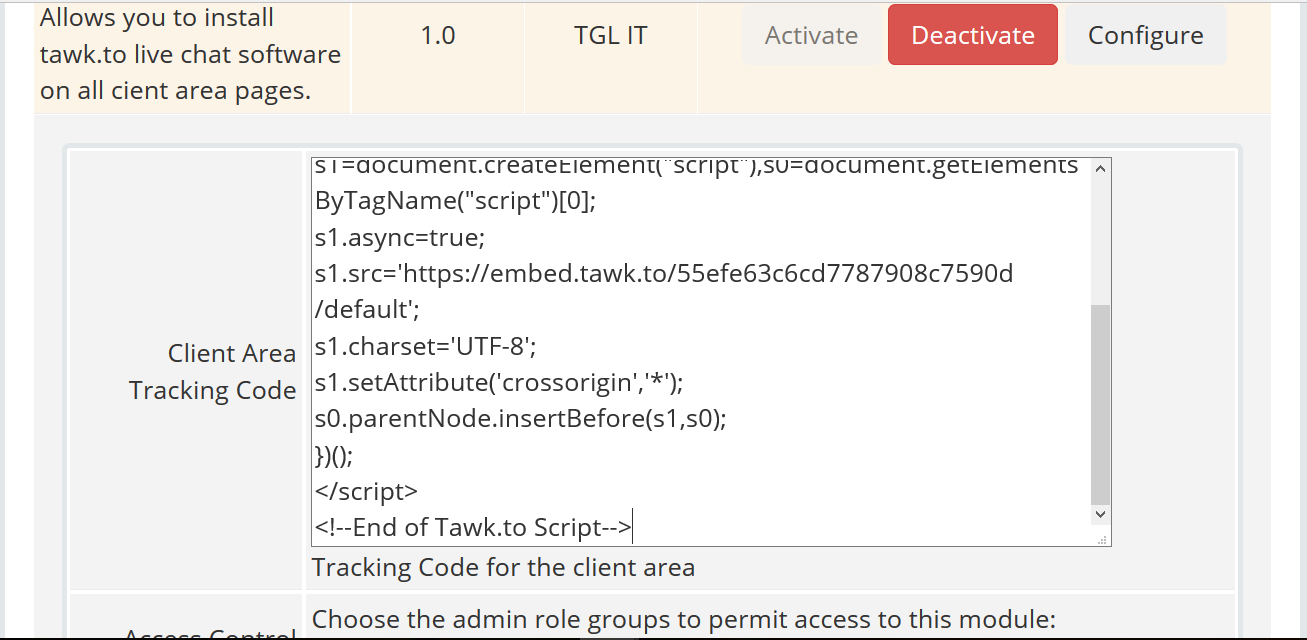
- After logging in, go to Sites & Pages >> Manage Sites >> Add Site. Add a site, then add a widget. Collect the JavaScript code of your widget.
- Download the Tawk WHMCS Addon Module and upload the zip file to the
/modules/addonsfolder on your WHMCS installation, then extract it. You will have a folder at/modules/addons/tawk_live_chat. - Visit your WHMCS admin panel and go to Admin Panel >> Setup >> Addon Modules. You will find a new addon named Tawk.To Live Chat.
- Activate the addon by clicking Activate.

- Click Configure and paste the JavaScript code you collected from Tawk.To, then click Save Changes.

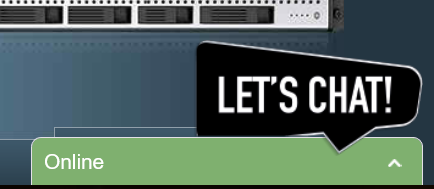
- Your visitors will now see the live chat widget in the bottom corner of your site. Log in to the Tawk dashboard to manage chats.
- live chat
- live chat app
- tawk.to
- TGL
- TGL IT
- whmcs
- whmcs addon
- whmcs module